Sign up through the retailer's own page
Use the official website, check the email address you enter and read the subscription choices. Some offers require a confirmation email before the code is issued. Others arrive in a later message. Look for the stated process rather than registering repeatedly when nothing arrives immediately.
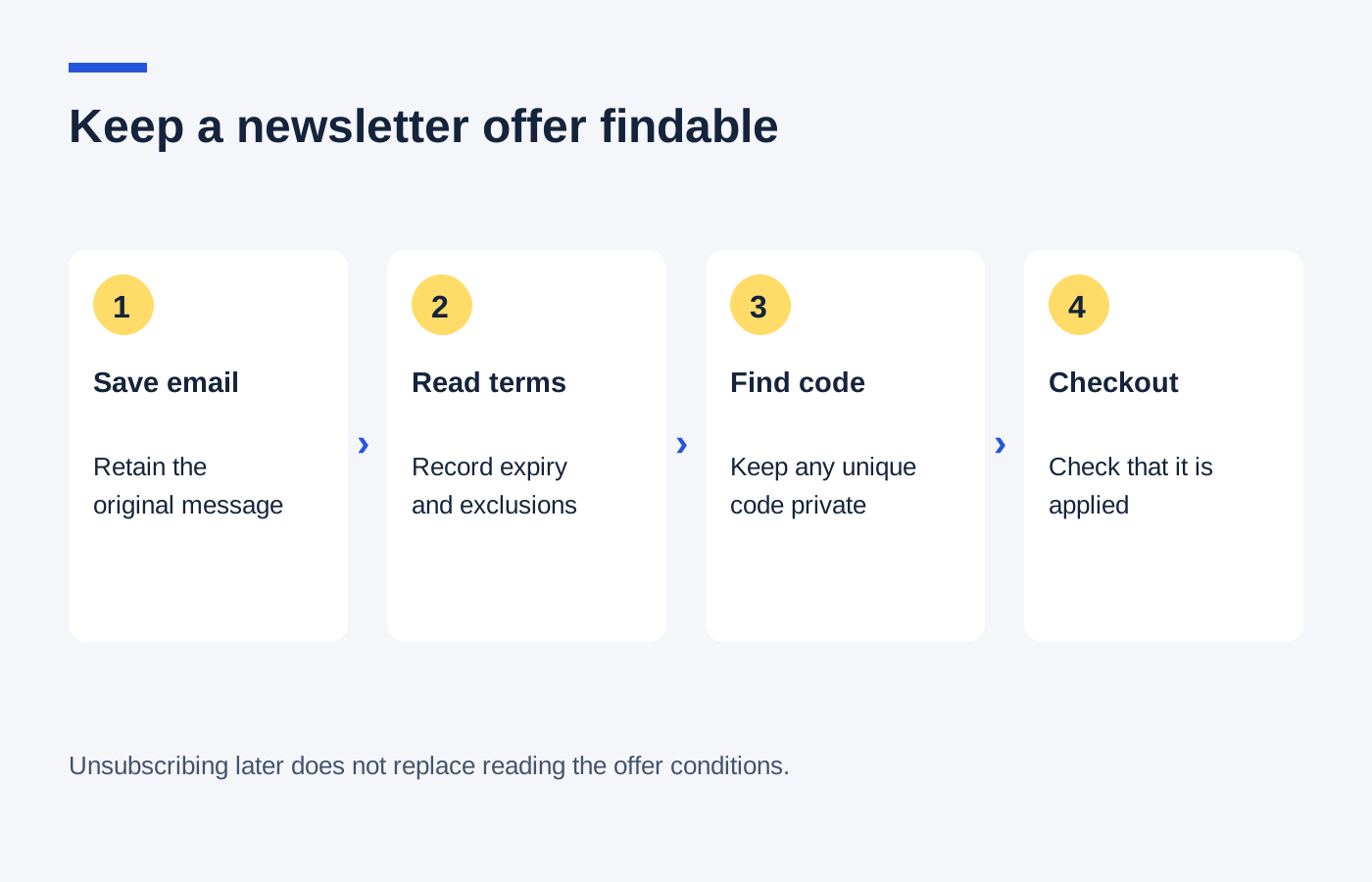
Search your inbox and spam folder using the retailer's name. An email filter may put a welcome message somewhere different from an order confirmation. If you find the code, keep the message intact because the small print may contain a minimum spend, exclusions or an expiry date that the headline omits.
Save the details that affect the order
Record the code, its deadline and the conditions relevant to your product. If it is a unique personal code, avoid sharing it publicly. Copy it carefully into the correct field and check for an accidental space at either end.
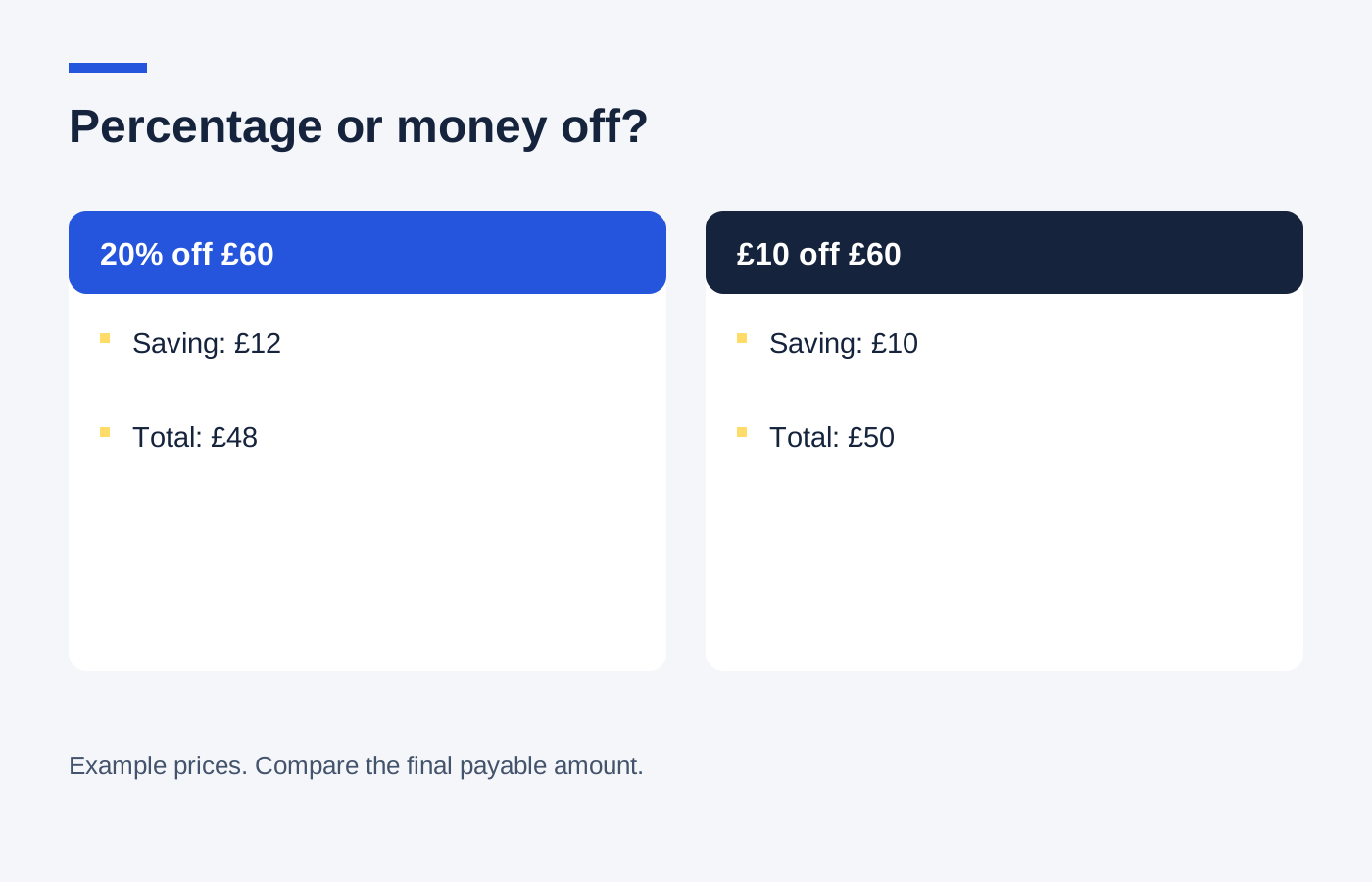
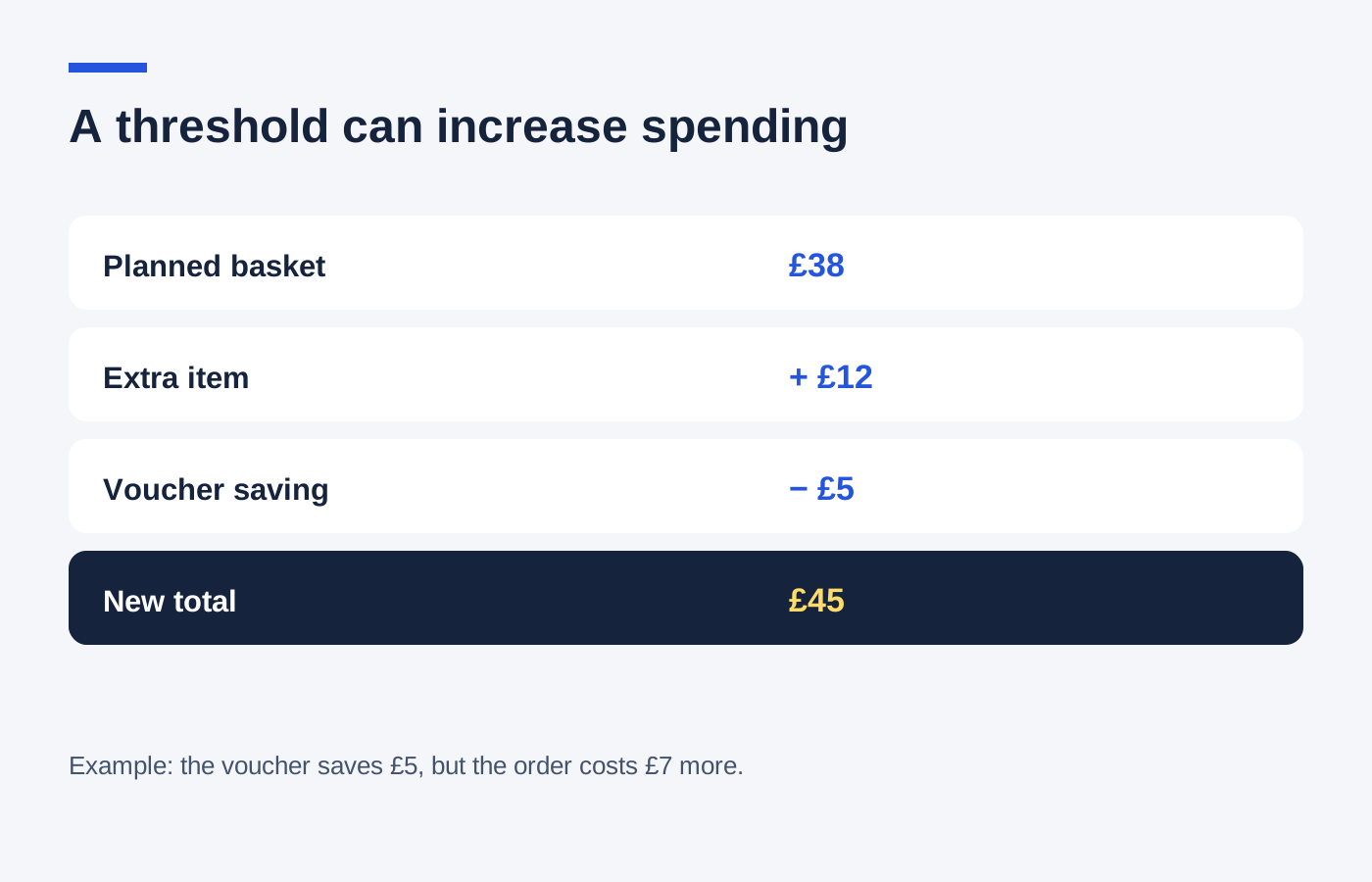
A hypothetical 10% welcome discount on a £35 eligible item removes £3.50. If the retailer charges £4 delivery and another shop sells the same item for £34 delivered, the welcome offer is not the lower total. Registering has no value on its own; compare the purchase after the actual reduction.
Manage the subscription separately
The decision to receive future marketing is separate from whether today's basket suits you. Use the retailer's subscription controls if you no longer want the messages. Keep order and refund emails, which may arrive through a different system, until the purchase is resolved.
If the welcome email promises a discount but the terms cannot be found, ask the retailer for them before paying. Do not assume a support team will issue a refund later simply because you subscribed. If the code expires or excludes the product you want, it is fine to leave without ordering.
A simple email folder for current offers can prevent repeated searches. Remove expired messages occasionally so an old headline does not send you back through a checkout for a promotion that has already ended.