Record the starting position
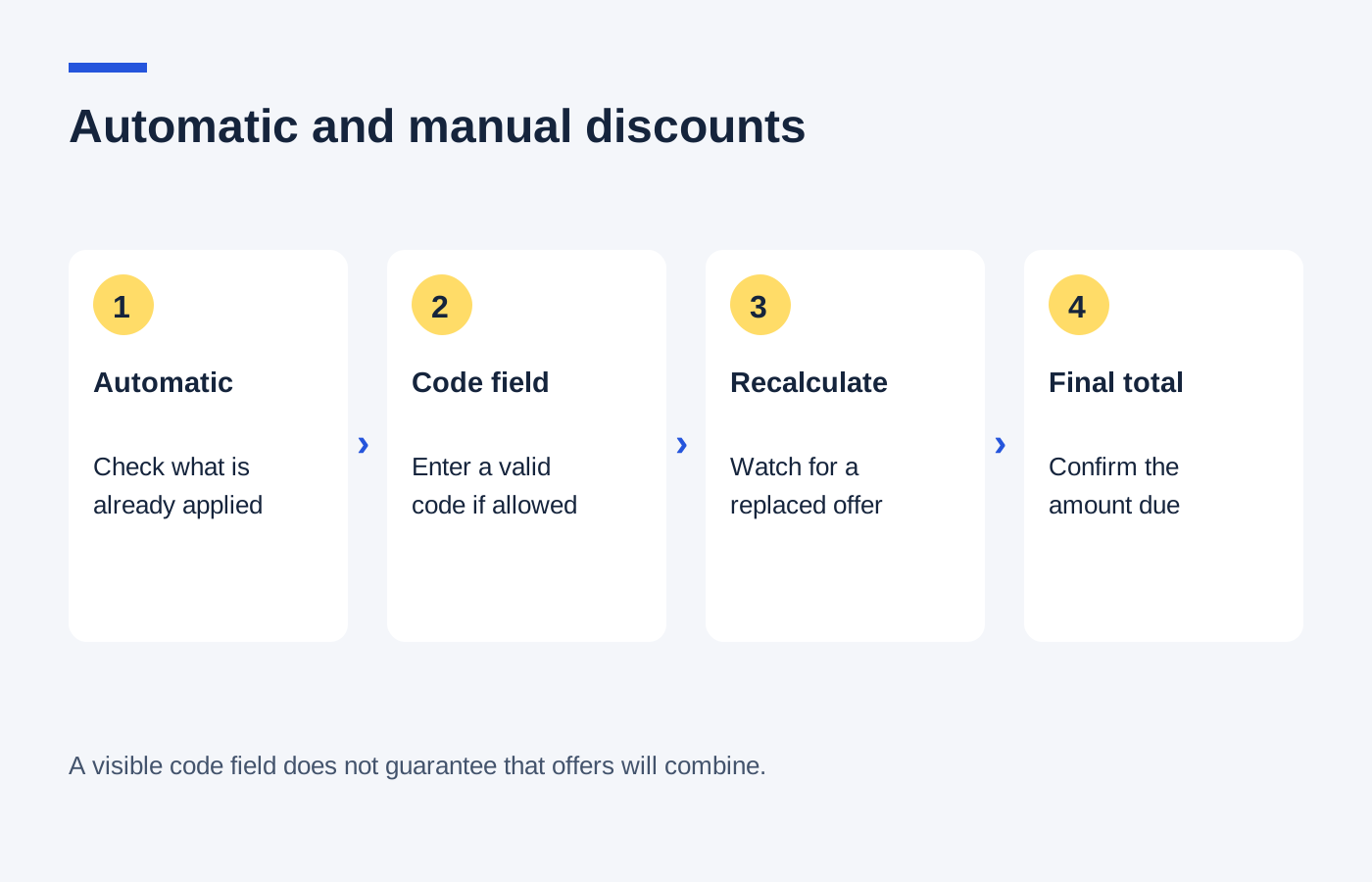
Add only the products you intend to buy, choose the relevant sizes and set your delivery location. Note the goods subtotal and every reduction shown. Some offers appear beside individual items while others sit below the basket, so read both places.
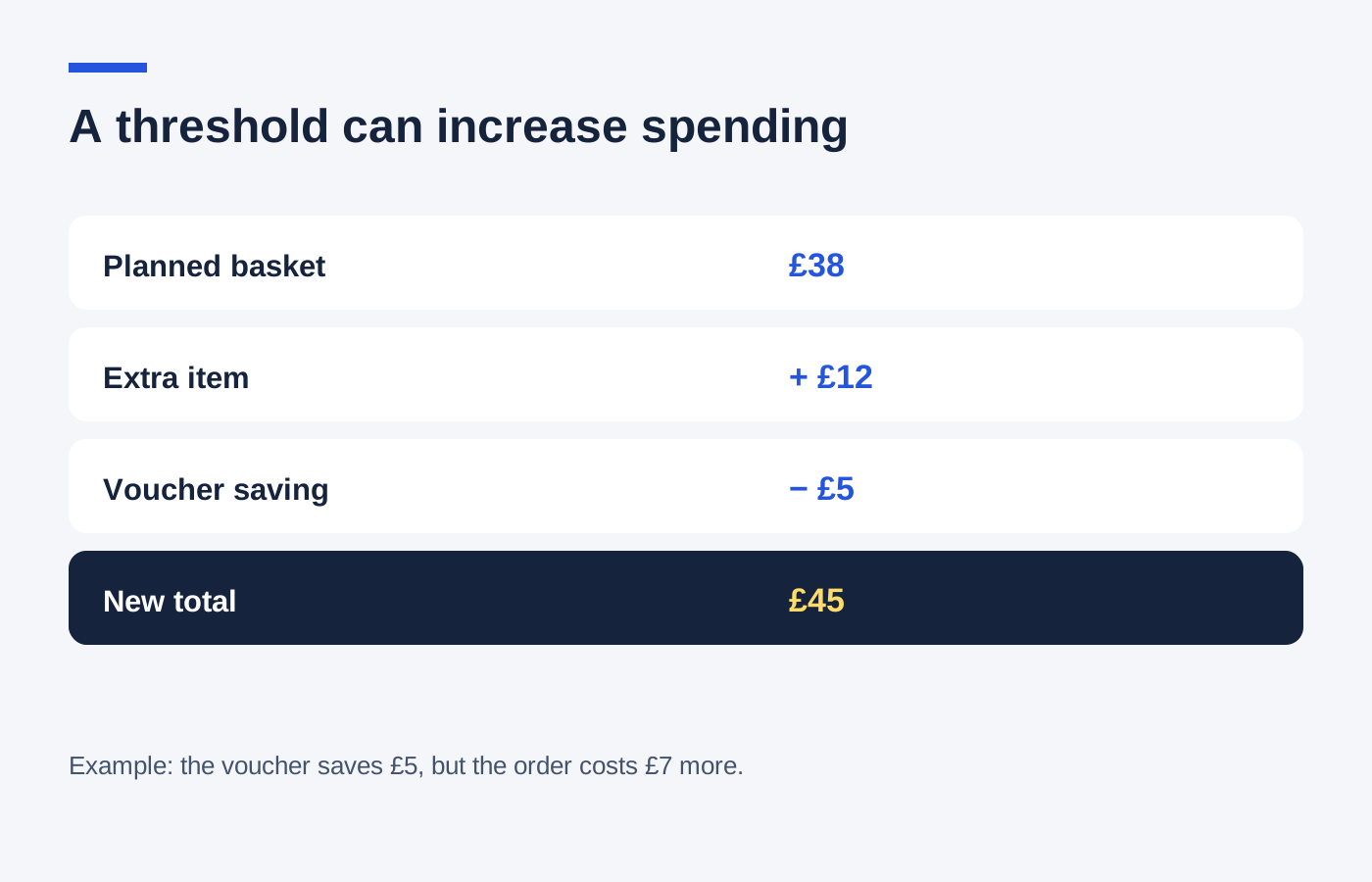
An automatic saving may depend on buying a particular combination or quantity. Removing one item to make a code work can undo that saving. Keep the initial contents and total somewhere simple, such as a note, so the comparison remains between recognisable options.
Test the code as an alternative
Imagine an example £80 basket with an automatic £12 reduction, leaving £68 before postage. A manual 10% code that replaces the automatic offer leaves £72. The code is valid, but using it costs £4 more. Acceptance by the checkout is not evidence that it improves the purchase.
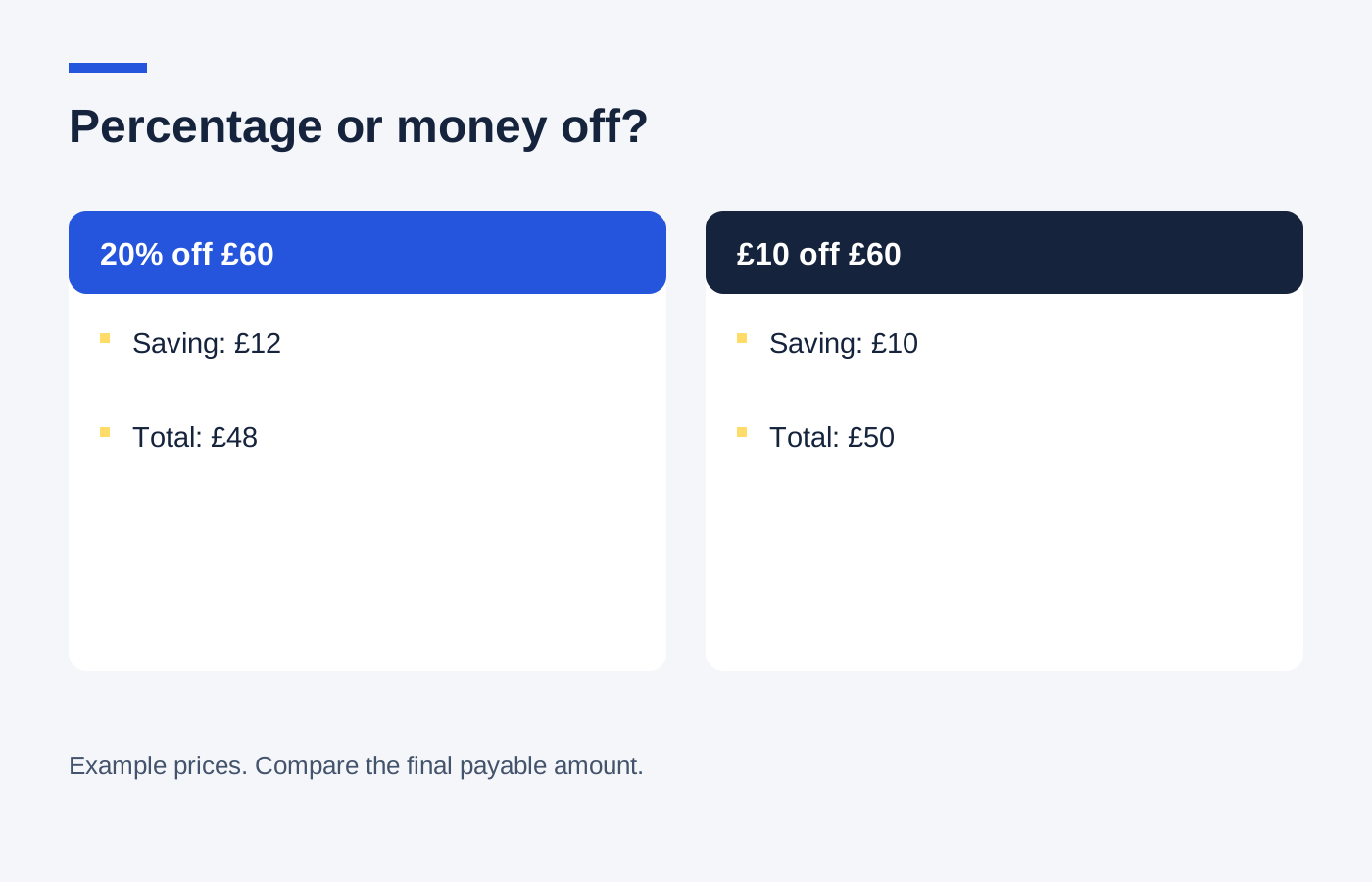
If the manual code combines with the automatic discount, inspect the calculation instead of assuming which price it uses. Ten per cent off £68 would remove £6.80; ten per cent of the original £80 would remove £8. The retailer's terms and displayed order summary should establish which applies.
Return to the better version deliberately
Remove the manual code if it makes the total worse, then check that the automatic offer returns. You may need to restore the original qualifying items. Refreshing a page or reopening a basket is not a reliable substitute for reading the restored summary.
Compare the final charge with the same delivery service selected in both versions. A code offering free delivery can be more useful than a product discount on a small basket, while the reverse may be true on a larger one. Include optional extras only if you actually want them.
Finish with a clear confirmation showing the discount and amount paid. If the retailer offers a retrospective price adjustment, its own policy will explain that; do not order on the assumption that a better code discovered tomorrow must be honoured. The comparison is most valuable while you can still change the basket.