Read the wording around reduced stock
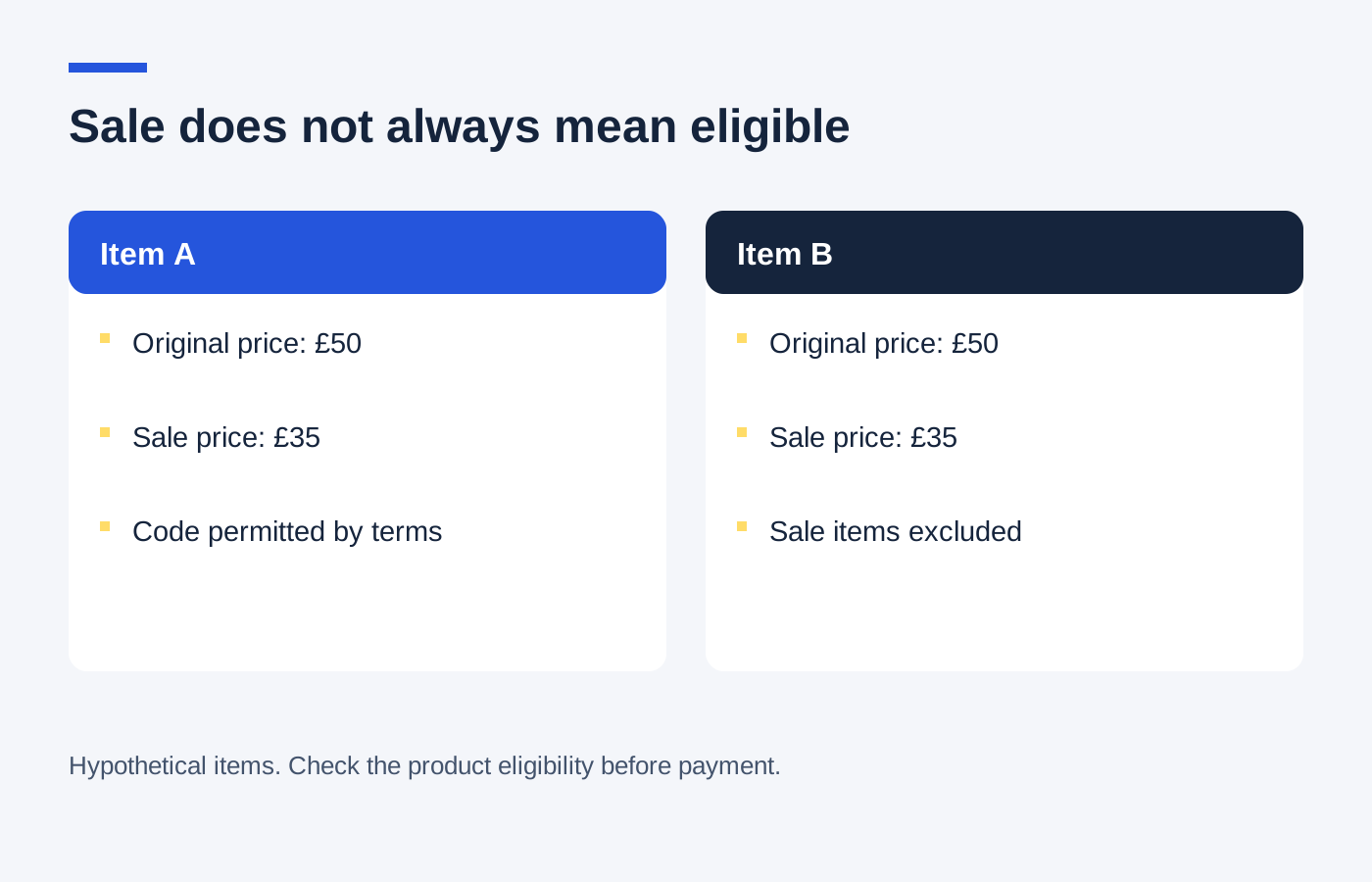
Look for references to sale, clearance, outlet, marked-down or already discounted products. A retailer may distinguish between them. An offer for full-price clothing could exclude a jacket with a temporary automatic reduction even if it does not sit in the main sale category.
Restrictions can also differ by product variation. A discounted colour may be excluded while another colour of the same style remains eligible. Confirm the size and colour selected in the basket instead of relying on the starting price displayed on a category page.
Calculate the actual extra reduction
Imagine a jumper reduced from £60 to £42. If an allowed code then takes 10% off the sale price, the additional reduction is £4.20 and the goods total becomes £37.80. It is not a further £6 reduction based on the original price. These are example figures, not an advertised offer.
A mixed basket needs more care. The code may reduce full-price products while leaving the sale item untouched. Expand the order summary where possible and inspect the line amounts. A small overall reduction may be correct for the eligible part rather than evidence of a broken voucher.
Keep the item decision separate
Choose sale stock because the fit, specification and price suit the job. A lower price on an unsuitable size remains an unsuitable purchase. Check the delivery charge and the shop's change-of-mind return arrangements before treating a clearance reduction as final value.
If the wording says reduced items are eligible but the checkout refuses the code, save the product page and offer terms. Ask the shop to explain the discrepancy before ordering. Do not pay on the assumption that customer service will apply a discount retrospectively.
Once the final summary is correct, save the confirmation with the amount actually paid. Future comparisons and any refund enquiry should use that transaction price, not the crossed-out original figure that made the sale look attractive.