Build two subtotals
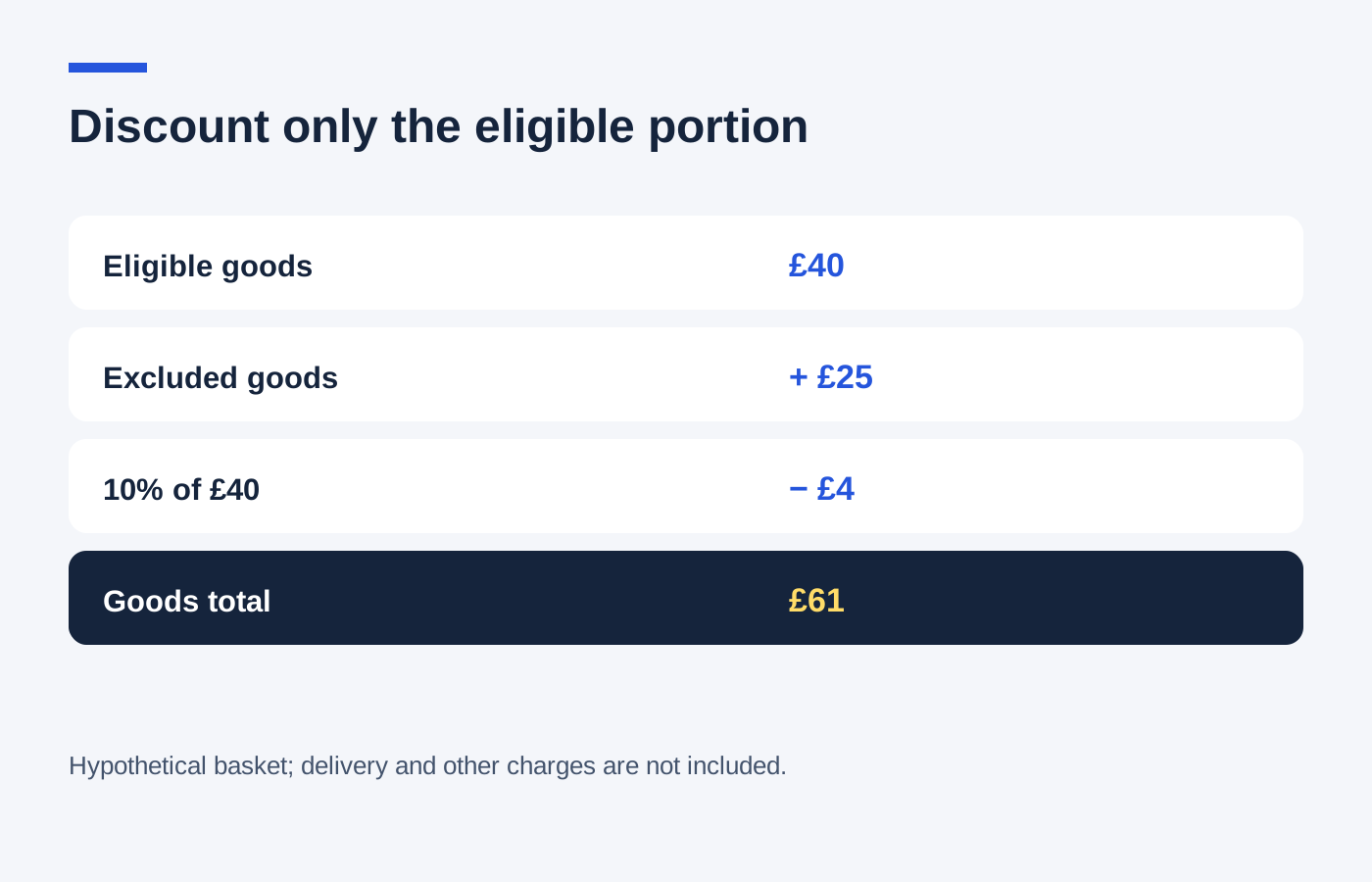
List the products that qualify and add their actual selling prices together. Put excluded brands, gift cards or other ineligible products in a second group. Delivery and optional services should remain separate unless the offer explicitly includes them.
In a hypothetical £90 basket, suppose £35 is excluded and £55 qualifies for 15% off. The saving is £55 multiplied by 0.15, which is £8.25. The goods total becomes £81.75. Applying 15% to all £90 would incorrectly predict a £13.50 reduction.
Check item-level complications
If the offer applies to only the cheapest, most expensive or selected item, follow that wording rather than grouping the entire category as eligible. Quantity limits can also mean that one unit qualifies while a second identical unit does not. Read the line totals after the code is applied.
Existing product reductions matter too. A voucher might use the current sale price, exclude discounted products entirely or operate only after a multi-buy calculation. Use the price basis stated in the terms and avoid counting the same reduction twice.
Look at the overall percentage honestly
In the £90 example, an £8.25 saving is about 9.2% of the full goods basket, despite the 15% offer headline. That lower effective percentage is not automatically an error; it follows from only part of the order qualifying. It can still be a worthwhile purchase if the total compares well elsewhere.
Check any maximum saving and minimum spend after identifying eligible goods. The shop may test the threshold using only that eligible subtotal. Adding an excluded item may increase the bill without moving you any closer to qualifying.
If the displayed reduction differs from your calculation, check rounding and line-level exclusions before contacting support. Send the relevant product names, prices and offer terms, with a short explanation of the amount you expected. Resolve material differences before paying rather than assuming they will be corrected later.