Distinguish ordering from readiness
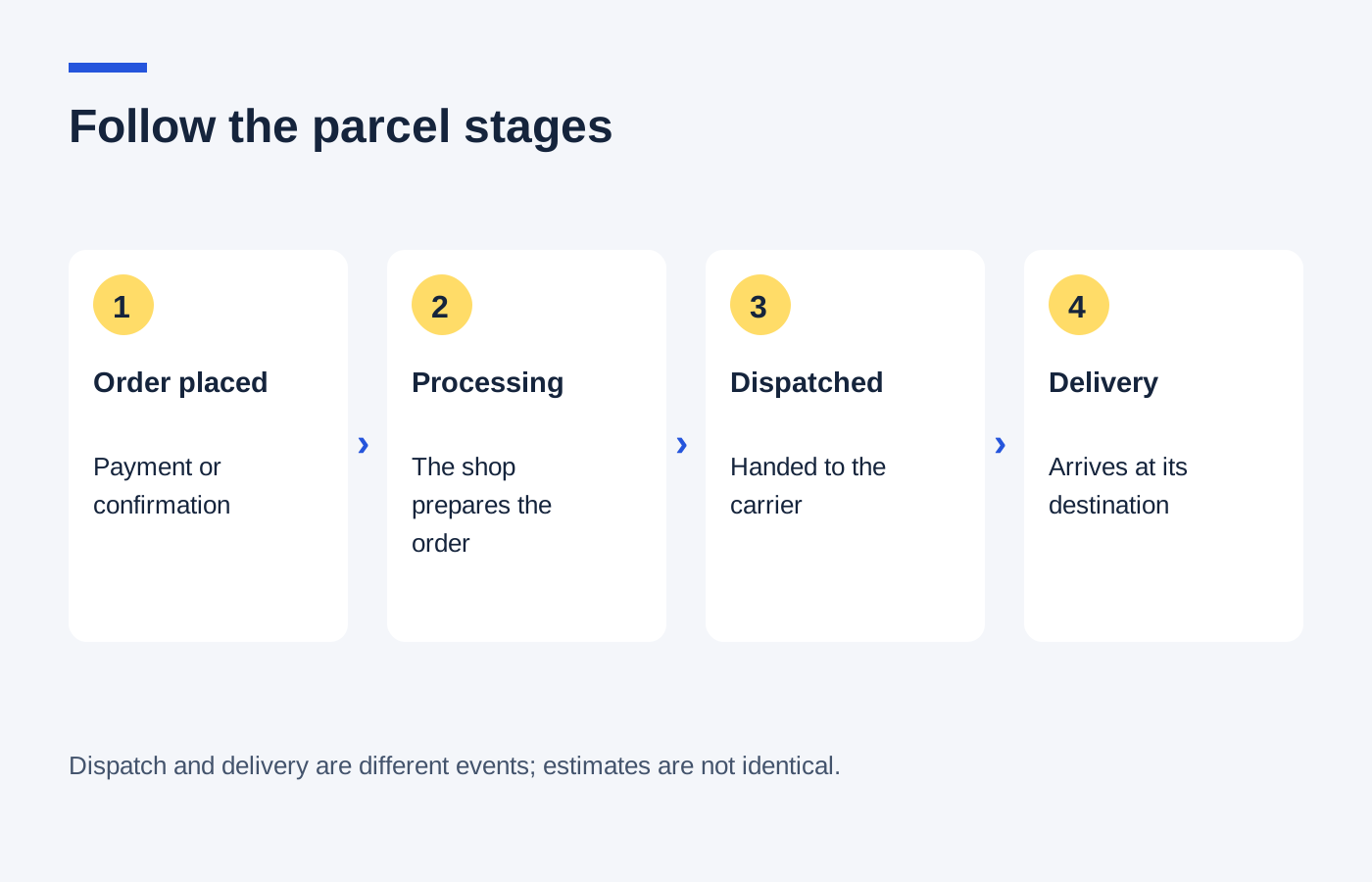
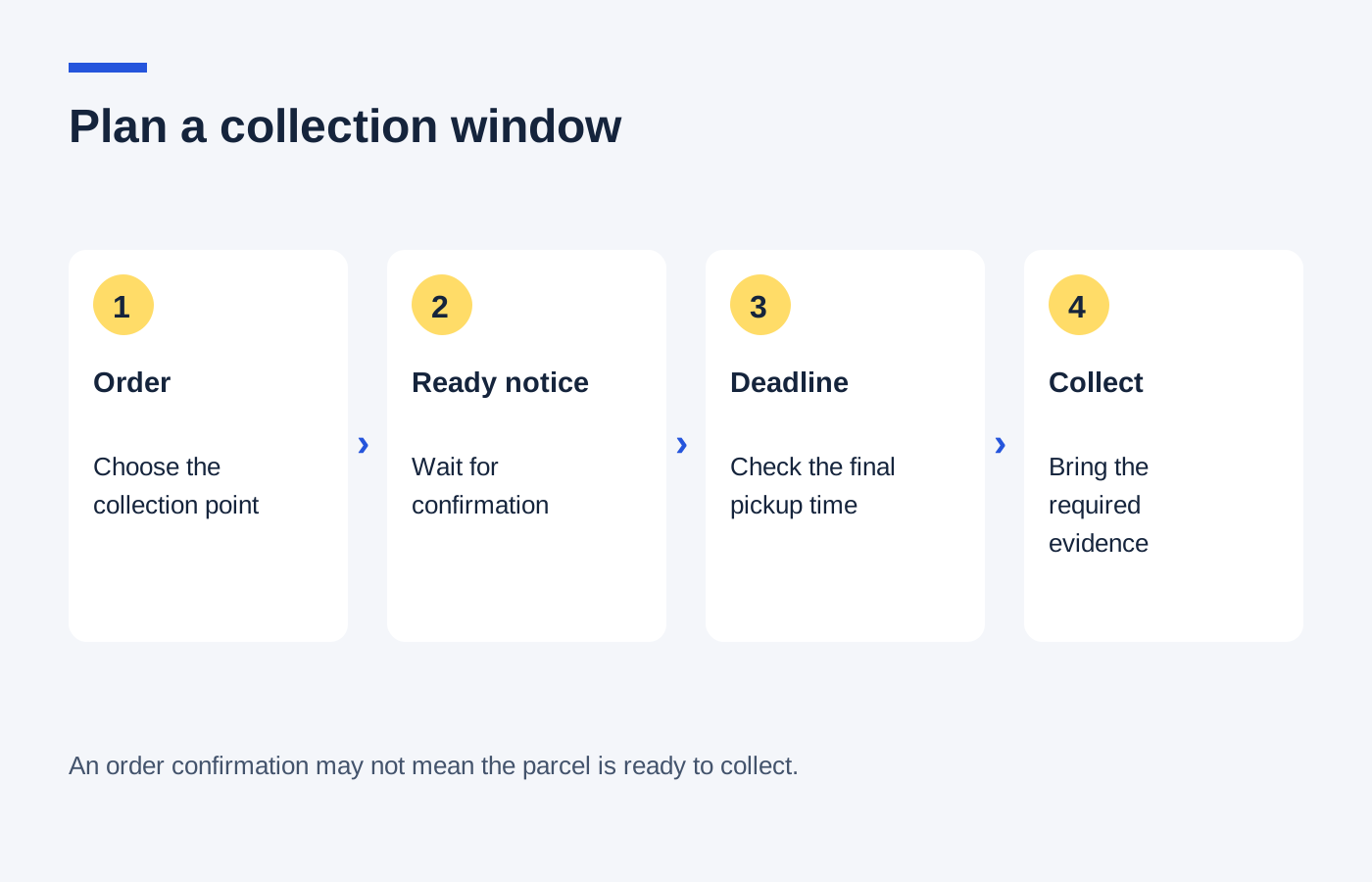
An order confirmation is not always a collection-ready message. Wait for the notification specified by the retailer before travelling, unless its instructions explicitly say otherwise. Stock displayed at a branch may still need to be located and prepared for your order.
Check the selected branch carefully. Similar branch names, different shopping centres or a collection counter inside another business can cause confusion. Save the address and look at opening hours for the day you intend to visit.
If a collection estimate is important, note whether it is a promise or an estimate. Ask about an unclear date before committing to a journey that cannot be moved.
Plan within the hold period
Find the deadline for collection and the event that starts the window. It might be measured from the ready notification rather than the original order. Check what the retailer says about uncollected orders, and do not assume the parcel will remain indefinitely.
Read the identification and order-evidence requirements. If someone else will collect, establish whether that is allowed and what they need. Avoid sharing unnecessary payment details or passwords when a reference or specific authorisation is sufficient.
For larger items, consider the route from the collection point to the car or public transport. Check parcel dimensions and weight, and whether the collection service includes any assistance you require.
Compare the full convenience cost
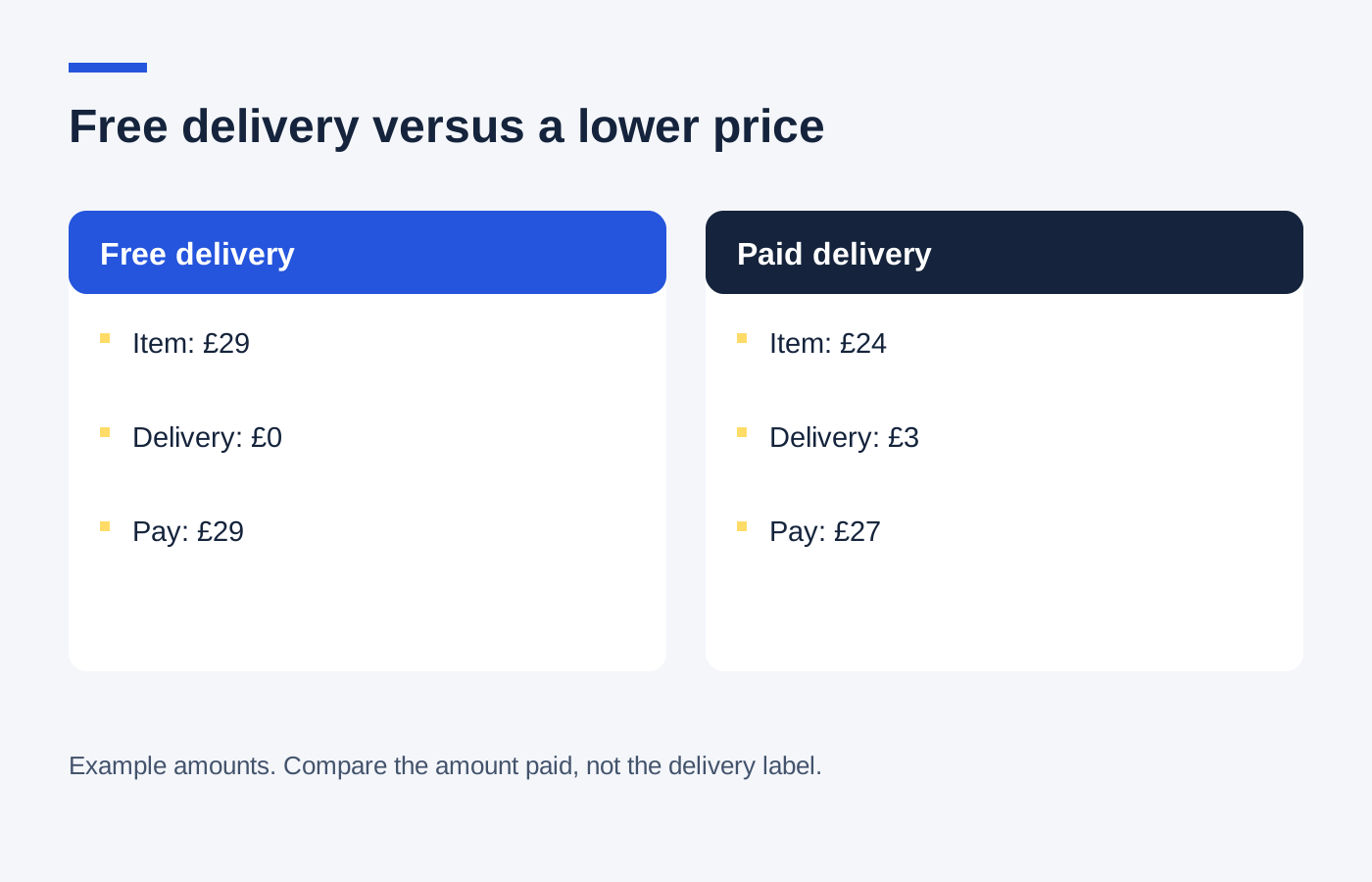
A hypothetical £4 delivery saving can disappear if a special collection trip costs £6 in travel or parking. A pickup during an existing shopping trip may have little additional expense, but still needs enough time within the branch’s hours.
If plans change, contact the retailer before the collection deadline to ask about available options. An extension or change of collector is a matter to confirm, not an automatic feature.
Keep the handover confirmation and inspect the purchase when appropriate. Collection completes the delivery step; it does not remove the need to check that the item and order details match.